PDF too large for email: what to do
A PDF can be perfectly readable and still exceed an email provider's attachment limit. The right fix depends on whether the document is structurally bloated, image-heavy or simply too large to send as one file.
Updated September 28, 2026 · FreePDF Tools
Try compression first
For PDFs that contain redundant structure, a lossless compression pass can reduce file size while preserving the document's content and visual quality.
Check whether images dominate
Scanned pages and photos can make up most of a PDF. If those images are already compressed, lossless processing may produce only a small reduction.
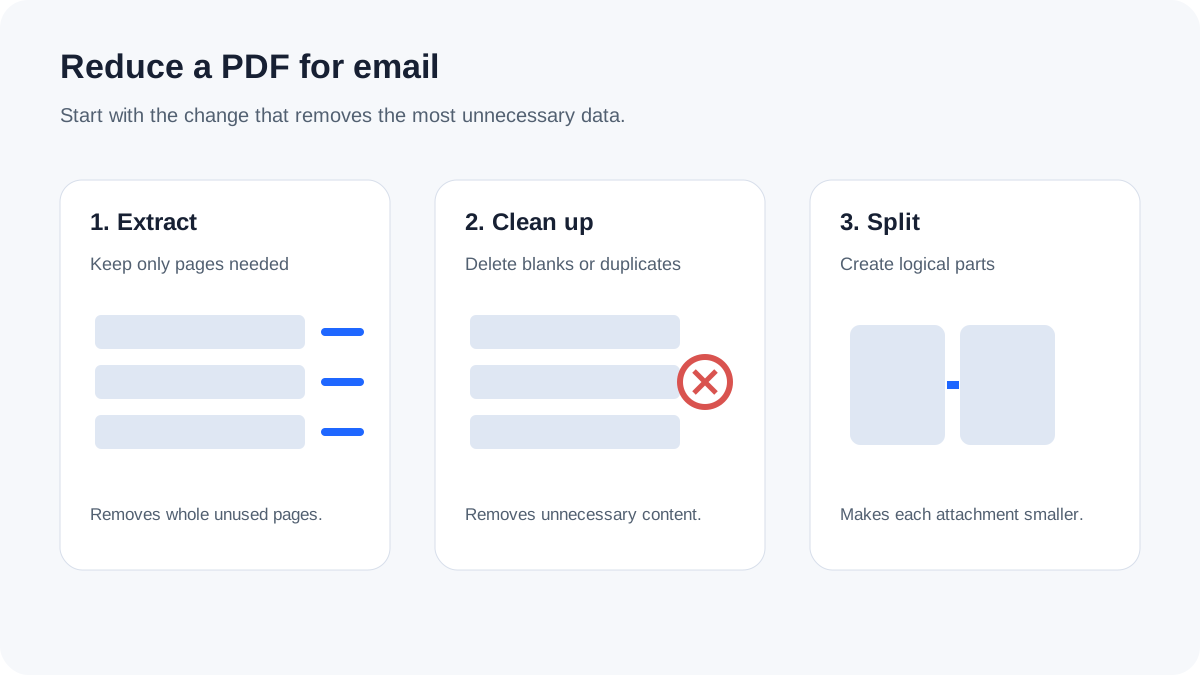
Consider splitting the document
If the recipient does not need every page in one attachment, splitting a large PDF into logical files can be easier than aggressively reducing image quality.
Choose the final delivery method
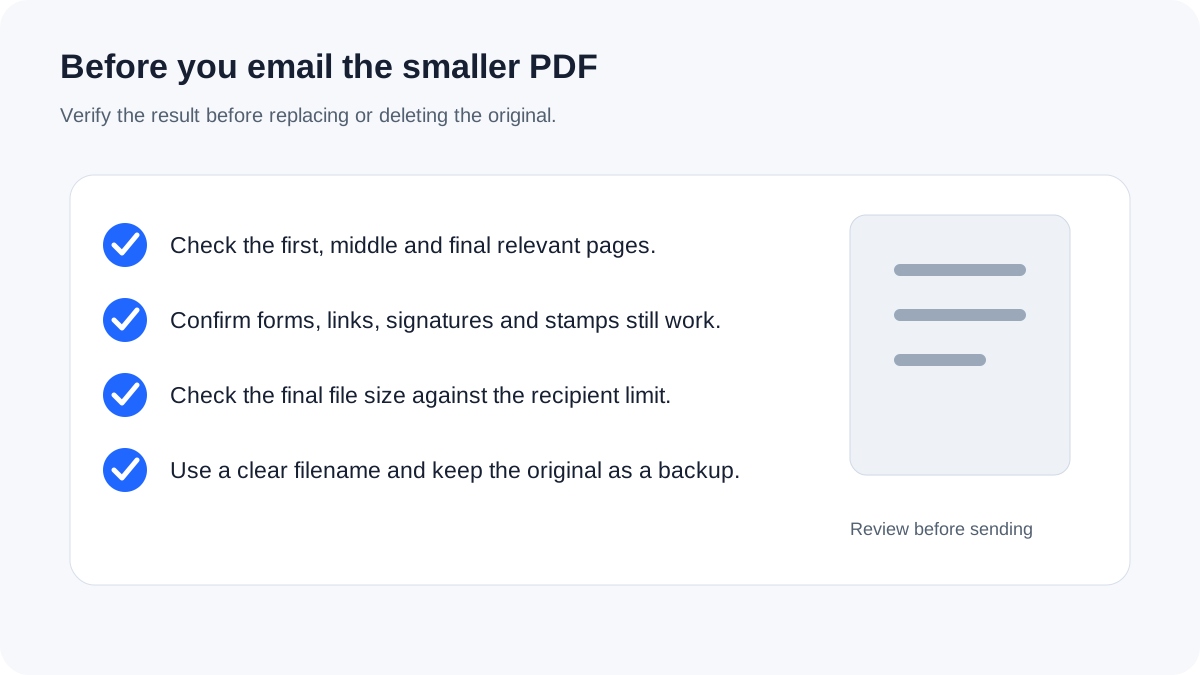
If the attachment remains too large, use the recipient's approved file-sharing method rather than repeatedly degrading a document that should remain readable.
Try lossless compression
Reduce redundant PDF structure without deliberately reducing image quality.