How to split a PDF into separate files
A large PDF often contains several logical documents. Splitting it into smaller files can make email, filing, submission and sharing easier while keeping the original source intact.
Updated September 28, 2026 · FreePDF Tools
Choose the right split method
Use a page range when several consecutive pages belong together. Create individual page files when every page needs a separate destination or recipient.
Check page boundaries
Identify the first and last page of each logical document before splitting. Pay attention to cover pages, appendices and blank separators so they do not end up in the wrong file.
Keep the source PDF
Splitting creates new files; it does not improve the original. Keep the source until every output has been opened and verified.
Name outputs for the next person
Use clear filenames that describe the document and sequence. This is especially useful when the outputs will later be merged again or uploaded into separate systems.
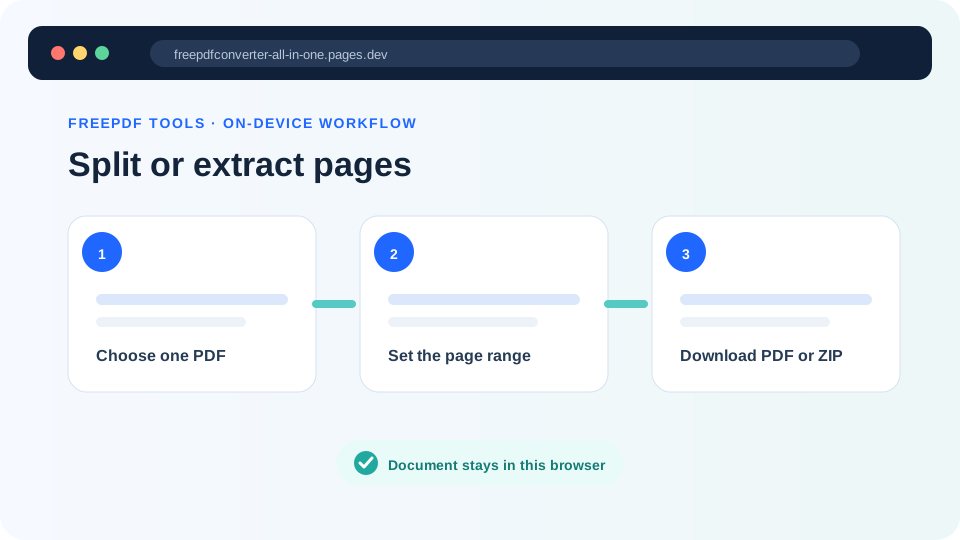
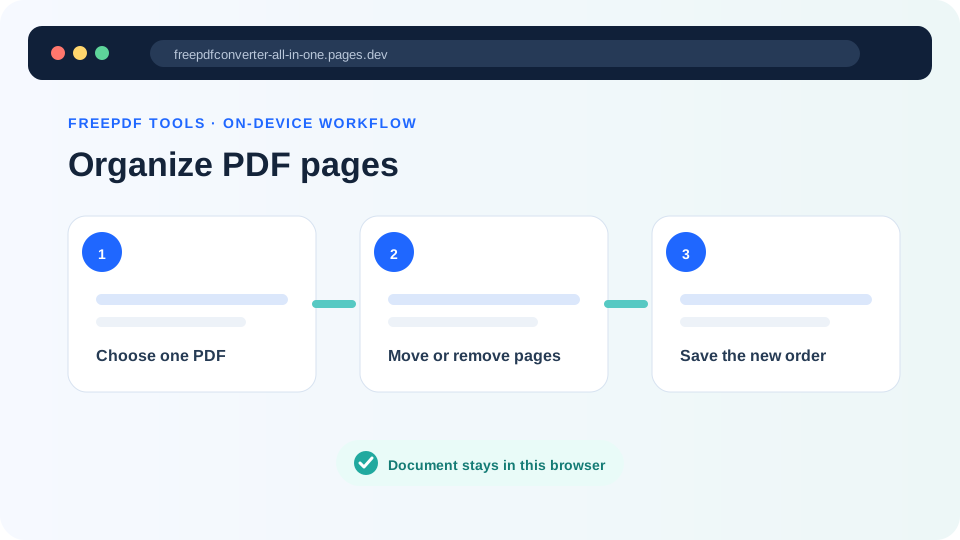
Need to separate pages?
Choose a page range or create individual PDF outputs.