PDF to Word vs OCR: choose the right workflow
The correct conversion path depends first on how the PDF stores its content. A text PDF and a scanned image PDF may look similar on screen but require different processing.
Updated September 28, 2026 · FreePDF Tools
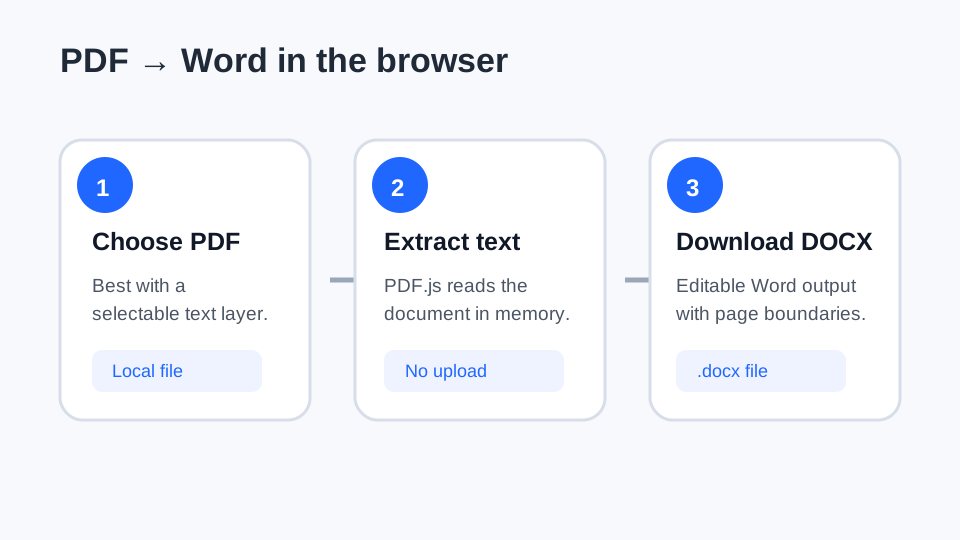
Use direct PDF to Word for selectable text
If you can highlight and copy a sentence in the PDF viewer, the file already contains a text layer. Direct PDF to Word conversion can then extract that text into an editable DOCX.
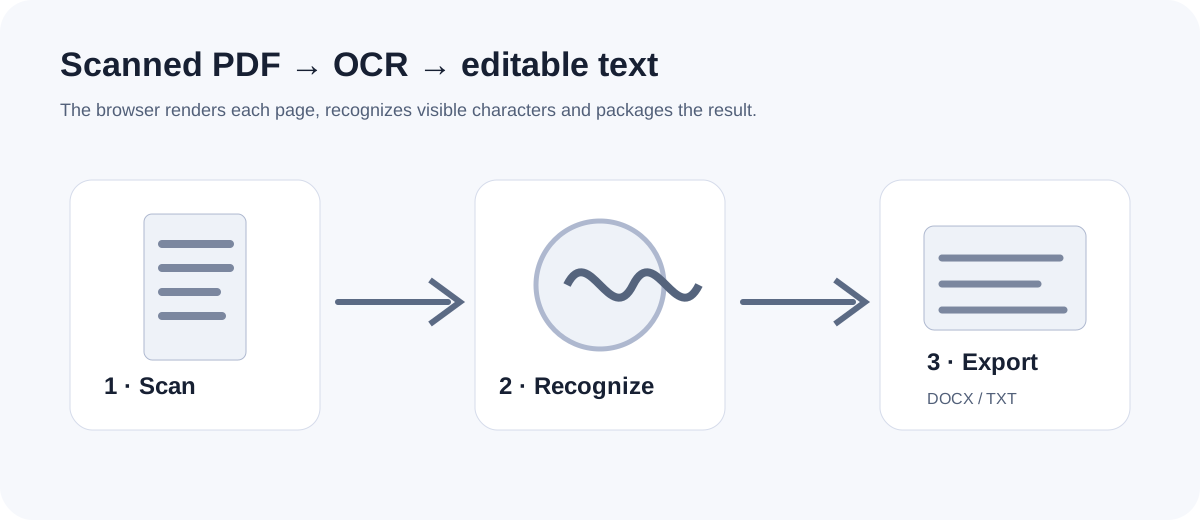
Use OCR for image-only scans
If the page behaves like one image and there is no selectable text, OCR is needed to recognize the visible characters before you can edit the result.
Expect different limitations
Direct extraction can preserve text more reliably but may still change columns, tables and layout. OCR adds recognition uncertainty for faint characters, skewed pages, tables and similar glyphs.
Review the output
For either workflow, compare important names, dates, numbers, page order and tables against the original PDF. Keep the source document until the editable copy has been reviewed.
Choose a workflow
Use direct PDF to Word for text PDFs and OCR for scanned pages.