JPG vs PNG for PDF: which should you use?
Both JPG and PNG can be placed into a PDF, but their strengths differ. The better choice depends on whether the page is mostly a photograph or mostly sharp text and graphics.
Updated September 28, 2026 · FreePDF Tools
Use JPG for photographs
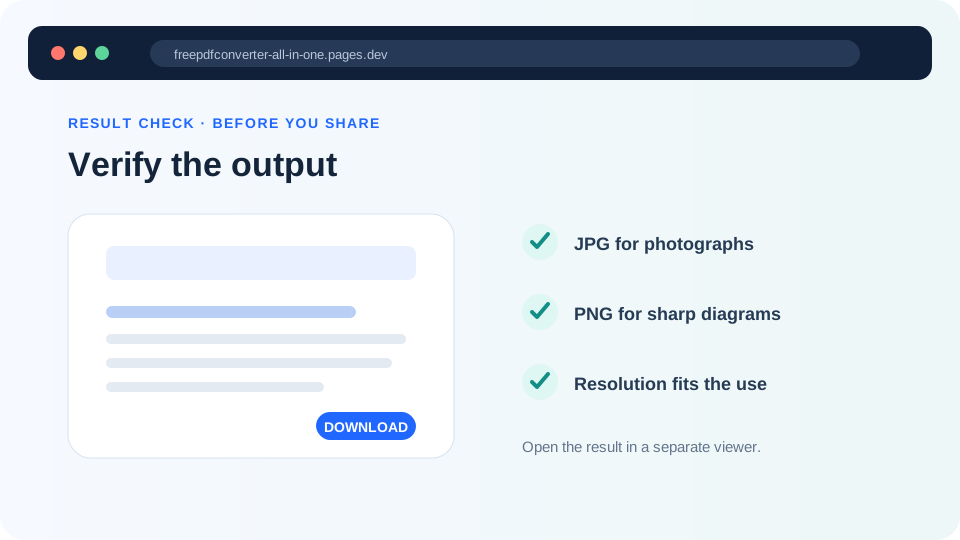
JPG is designed for photographic content and is often smaller at comparable visual usefulness. It is a common choice for camera photos and full-colour scans where compact size matters.
Use PNG for sharp graphics
PNG is often better for screenshots, diagrams, logos and pages with flat colours and crisp text edges because it preserves those patterns without JPEG-style lossy artifacts.
Check the downstream PDF
Placing a PNG into a PDF does not automatically make the final PDF small. Likewise, a JPG source may already be compressed. The final document size depends on the images, page dimensions and PDF packaging.
Choose based on the purpose
For a printed document, prioritize legibility at the destination size. For screen sharing, consider file size and image clarity together. Keep the original image files when they may be needed later.
Create the PDF
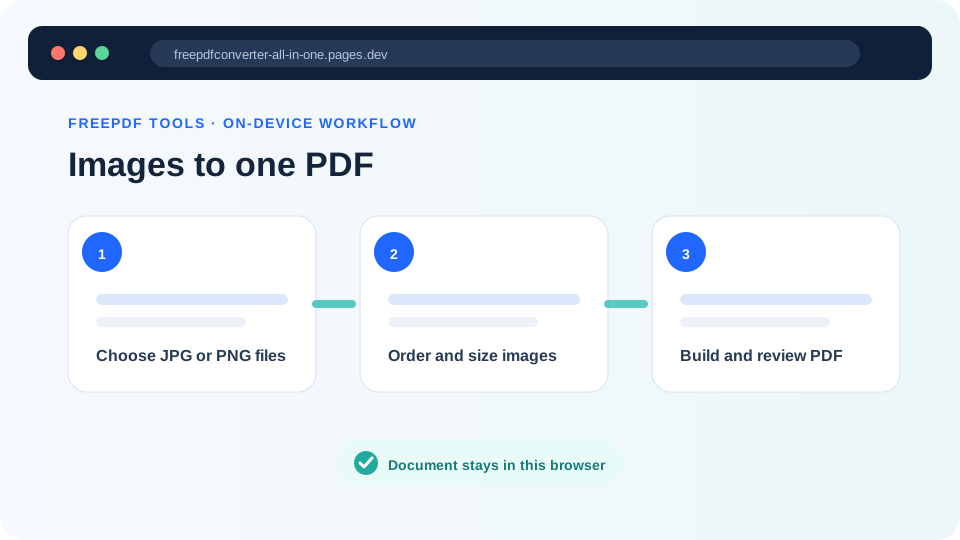
Arrange JPG or PNG pages directly in the browser.