How to convert scanned images into one PDF
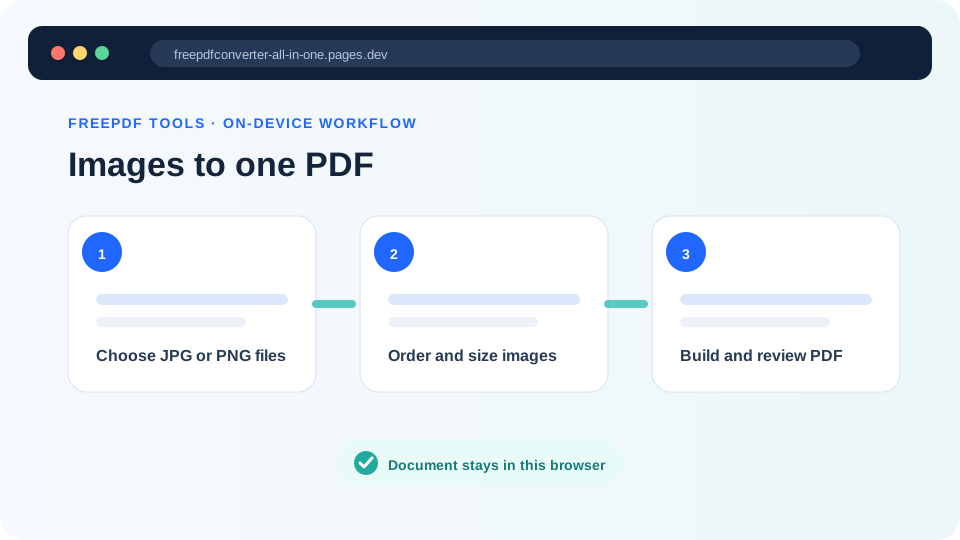
A scanner or phone camera may produce one JPG or PNG per page. A PDF is often easier to submit, print and archive, so the next step is to combine those images into an ordered document.
Updated September 28, 2026 · FreePDF Tools
Select clear page images
Use the highest-quality images that still have sensible file sizes. Blurred text or severe glare cannot be fixed by wrapping the image in a PDF.
Put pages in document order
Arrange the cover page first and supporting pages after it. For two-sided scans, verify front/back order before creating the PDF.
Choose a practical page size
A4 is useful for many document submissions, while Letter can be appropriate for workflows that expect US paper dimensions. An image-sized page can be useful when preserving a screenshot or photograph is more important than printing.
Review the generated PDF
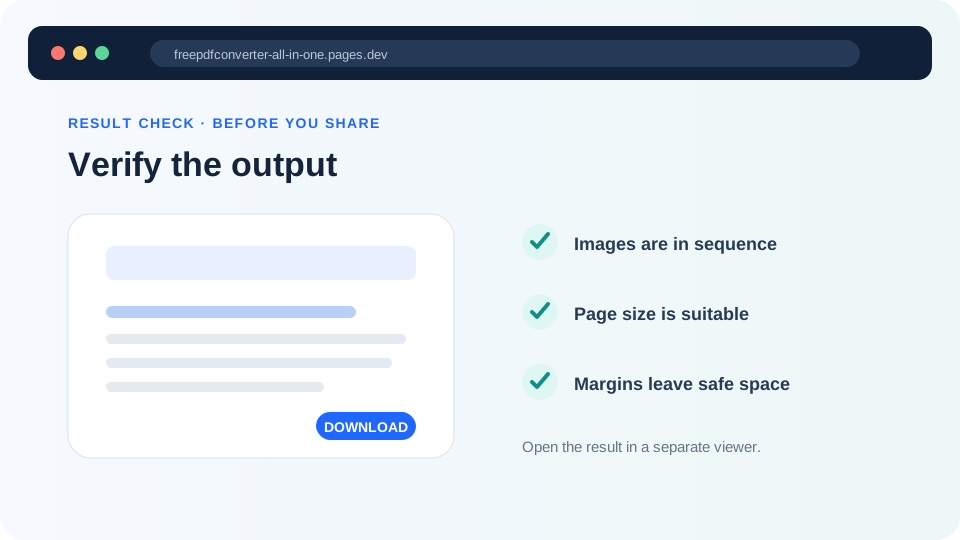
Check orientation, cropping, page order, text readability and final file size. Keep the original images until the PDF has been accepted by the destination system.
Turn images into a PDF
Arrange JPG or PNG pages in the browser.