How to convert old Word 97–2003 DOC files to PDF
Older archives often contain binary .doc files created by Microsoft Word 97–2003. They are different from DOCX files and require a legacy parser rather than a renamed extension.
Updated September 28, 2026 · FreePDF Tools
Select the original .doc file
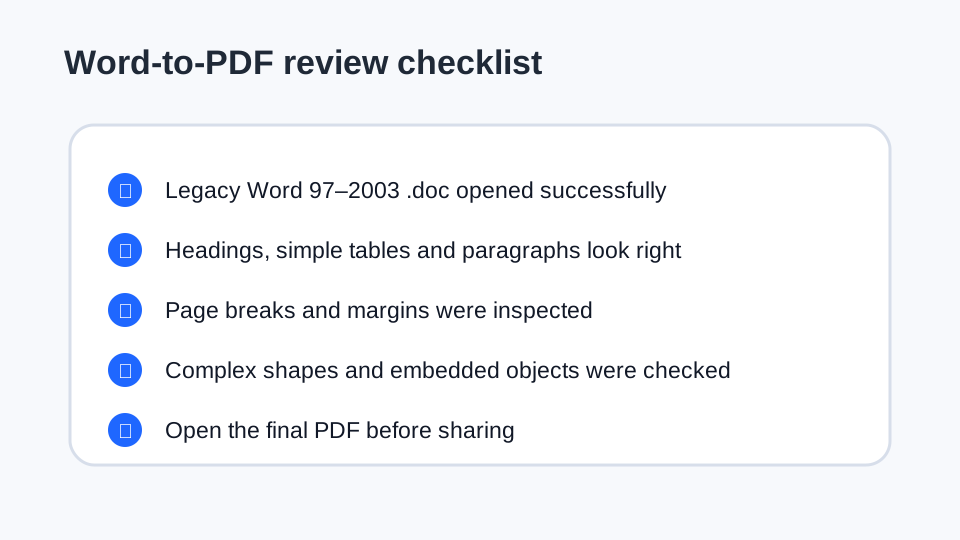
Do not rename a .doc file to .docx. The internal format remains the legacy binary Word format, so the converter must recognize it as DOC.
Expect older layout differences
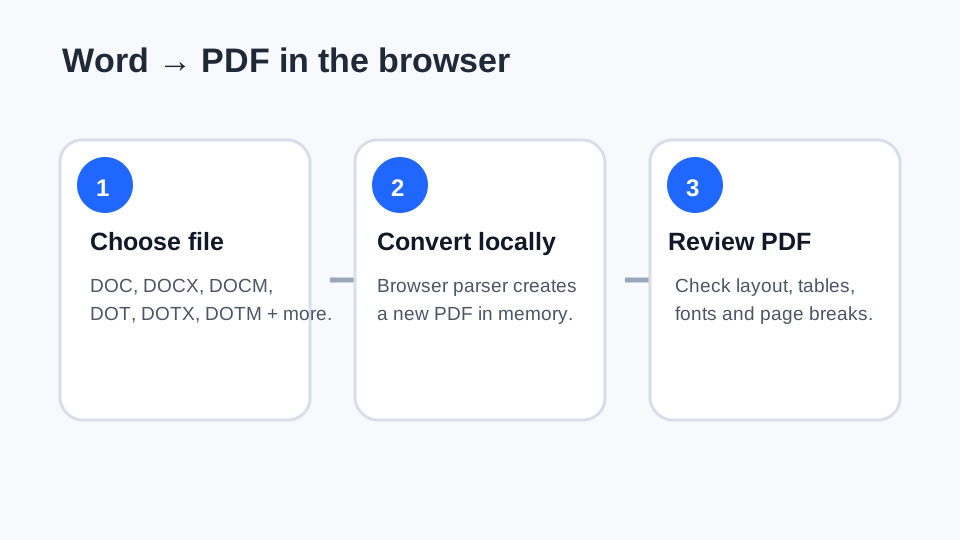
Legacy documents can contain unusual fonts, floating objects, old tables and embedded content. The generated PDF should be reviewed for page breaks, alignment and missing elements.
Keep the source document
The generated PDF is a new output. Preserve the original .doc when it has archival, legal or historical importance so you can return to the source if the conversion needs correction.
Use the browser-local workflow
FreePDF Tools parses supported legacy DOC files in the browser using its pinned parser path. The selected document is not intentionally sent to a remote conversion server.
Convert a legacy DOC
Use the Word/document to PDF workflow.