What PDF metadata contains
A PDF can contain descriptive information in addition to the visible page content. That metadata can be useful for document management, but it may also reveal information you did not intend to share.
Updated September 28, 2026 · FreePDF Tools
Common metadata fields
Common PDF properties include title, author, subject, keywords, creator and producer information. Some documents also carry timestamps or application-specific data.
Why metadata can matter
A visible page may look anonymous while metadata still names an author, company or software application. That can matter when a document is being published publicly or shared outside an organization.
Metadata is not the same as hidden page content
Removing common metadata does not remove text, images, comments, attachments, form values or every possible private data source. Treat metadata cleanup as one part of a broader document review.
Make a cleaned copy
Use the metadata tool to create a separate cleaned PDF and inspect the result before replacing the original. Keep the source when you may later need the original audit trail.
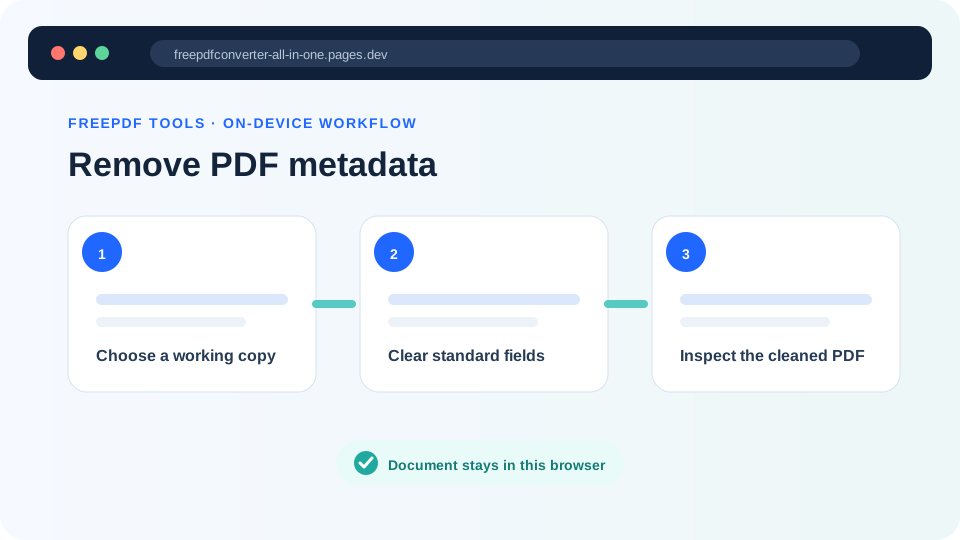
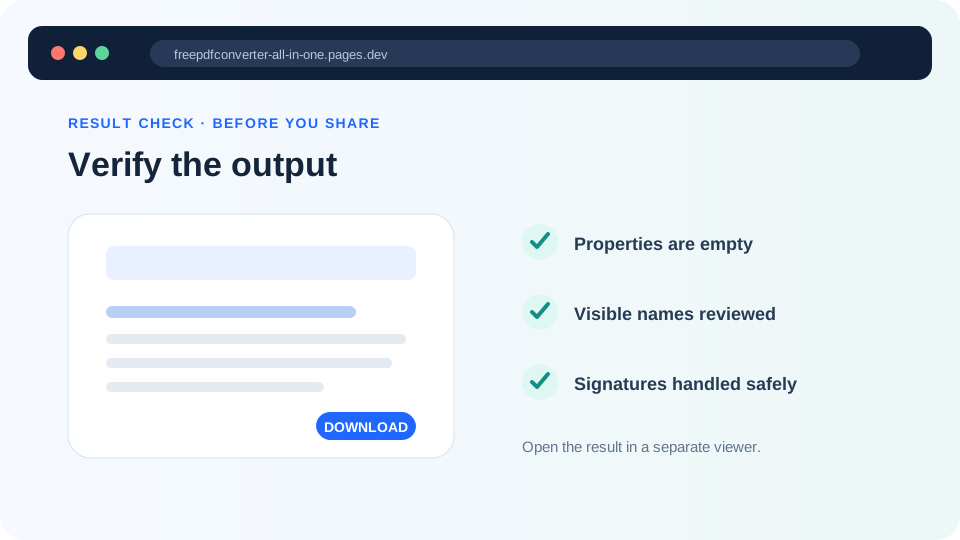
Clean common PDF metadata
Remove supported metadata fields locally before sharing.